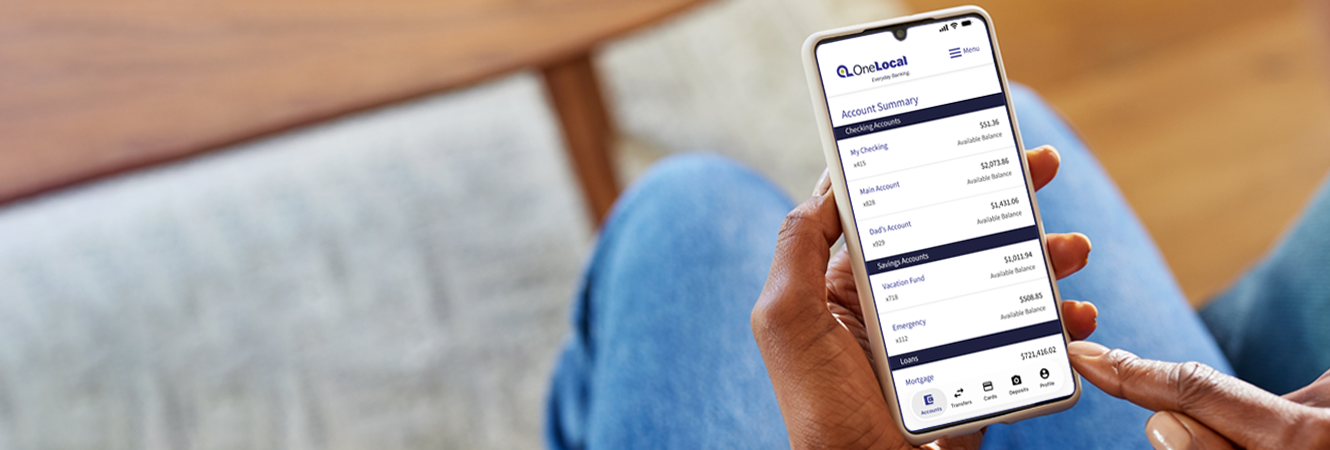
Our New Online & Mobile Banking Experience Is Here!
You are now able to access the upgraded online platform and mobile app, giving you more features and a more streamlined experience.
Helpful First-time Login Tips |
|

Frequently Asked Questions
General
Why did you make this change?
We understand life is busy and convenience is of utmost importance. Our new digital banking platform offers seamless banking solutions built for the way you want to bank, whether you are at home or on the go—no matter the account. The new system combines Personal & Business Online Banking into one easy-to-access platform that features the essential tools you use today with friendlier navigation, enhanced security, a new mobile banking app, and more.
We understand life is busy and convenience is of utmost importance. Our new digital banking platform offers seamless banking solutions built for the way you want to bank, whether you are at home or on the go—no matter the account. The new system combines Personal & Business Online Banking into one easy-to-access platform that features the essential tools you use today with friendlier navigation, enhanced security, a new mobile banking app, and more.
What if I don’t know my Username or Password?
If you are unsure of your Username, contact us at 781-762-1800 or visit a branch for assistance. If you are unsure of your Password, you can easily reset it by selecting “Forgot Password” from the respective login screen and following the on-screen prompts.
How do I log in to my account the first time after the upgrade is completed?
Here are the steps to log in to your account the first time you log in on or after September 10:- Select the 'Login' button at the top of our website to access your online account or open the mobile app. (Reminder: personal customers will need to follow the prompt to update the app, and business customers will need to download the new app.)
- Enter your existing username and password.
- You will be asked to confirm if you would like to receive your 6-digit security code by text or through a phone call.
- After making your selection and receiving the code, enter your unique 6-digit security code when prompted.
- Some customers may be prompted to update their username or password—the new system has strong security measures in place to keep your account safe.
- You will be presented with our 'Online Banking Terms and Conditions"—review the information, select the checkbox indicating you accept the Terms and Conditions, and then select the 'Accept' button to continue. If you opt to 'Decline', the system will not allow you to move forward with accessing your account.
- After selecting 'Accept', you will be taken to your Account Summary.
The security code I received after logging in the first time is not working—do you have any guidance?
Please make sure you are using the 6-digit security code provided within the text message or on the automated phone call and that you are not inputting the phone number that sent the code or that is listed in the message. Also, the code expires within 15 minutes, so make sure you are using an active code. If these tips don't resolve the issue, please contact us at 781-762-1800.Did my External Transfers and Bill Pay go through during the conversion?
During the conversion timeframe of September 8 through September 10, any scheduled external transfers and bill payments continued to process as planned through the older system.
During the conversion timeframe of September 8 through September 10, any scheduled external transfers and bill payments continued to process as planned through the older system.
What are some enhancements I can expect with this upgrade?
This upgrade brings a more connected banking experience for both personal and business users. The enhanced platform offers one convenient login page and a single mobile app for all banking needs. Customers also benefit from a more intuitive design, secure messaging within online banking, enhanced debit card controls including travel notices and purchase restrictions, and continued access to the services they have relied on, including Bill Pay, external transfers, mobile deposit, ACH, wires, Merchant Capture, and Positive Pay.
How can I get additional help?
We are here to help with any issues that you encounter. Please visit a branch or call us at 781-762-1800. Our standard phone hours are Monday-Friday, from 8:30am-5:00pm, and Saturday, 8:30am-12:30pm. Our Customer Support team will have extended hours until 7:00pm on Thursday, September 10 and Friday, September 11.
Mobile App
Will this upgrade affect the Mobile Banking app?
Yes, we will be launching a NEW Mobile Banking app as part of the upgrade that allows both personal and business account holders to access their accounts from one easy-to-use app.
Yes, we will be launching a NEW Mobile Banking app as part of the upgrade that allows both personal and business account holders to access their accounts from one easy-to-use app.
- Personal Banking Mobile App Customers: When you open the app for the first time, you will be prompted to update the app—you will need to complete this step before you are able to access your account.
- Business Banking Mobile App Customers: You will need to download the new OneLocal Bank app from the Apple® App Store or Google Play Store.
Note that business customers will no longer have access to Bill Pay from the mobile app and will need to schedule their bill payments using their online account.
What if I use biometrics to log in via the Mobile Banking app?
If you utilize biometrics to access your accounts via our Mobile Banking app, you will need to use your User ID and Password the first time you log in after the conversion. After you have logged in, you can reestablish your biometrics for future logins.
Personal Online Banking
Has my personal online banking login changed?
No, you can log in using your existing Username and Password. Upon your first login, you will have the option to select a text or phone call with a one-time passcode to verify your identity. You will simply enter this passcode into the system and submit to securely log in.
Has my account number or debit card changed?
No, your account numbers and debit card numbers at the same—there will be no changes to this information.
Did any of my personal account details not transfer to the new system?
Alerts, Bill Pay, and auto pay details transferred to the new system. Your card controls, external transfers, and alert push notifications did NOT transfer to the new system. After logging in, you can re-establish these details.
Business Online Banking
Did the business online banking login change?
Yes, when you log in to the new system, you will no longer need to select the 'Business Banking' drop down. Your Username and Password remain the same. If you are a soft token user (digital), you'll be required to download the new digipass application to complete token enablement prior to login. If you are a hard token user, you will need to complete a token enablement prior to login.
Do you have detailed instructions on how to activate a soft or hard token?
Yes, you may access detailed instructions by clicking the following links:
- Instructions to Activate a Soft Token
- Instructions to Activate a Hard Token
Did any of my business account details not transfer to the new system?
Internal transfer templates and ACH/Wire history and alerts did NOT transfer to the new system. After logging in, you will be able to re-establish your internal transfer templates and alerts.
Do I need to be aware of any action items regarding my ACH/Wire Templates?
Any scheduled or recurring ACH/Wire payments dated between September 8-10 were not sent and will need to be set up once you have gained access to the system on or after September 10.
What action items should I consider post-upgrade?
You will need to re-establish your Internal Transfer Templates. These did not transfer over from the current system. Please be sure to review your account details carefully to ensure everything transferred correctly. Pay close attention to your Bill Pay payee information, scheduled payments and internal transfers, and any migrated ACH/Wire templates and participants prior to scheduling any new batches, transfers, or payments. Positive Pay users may need to create new templates.
Has Business Bill Pay changed?
Yes, Bill Pay is only accessible through your online account and is no longer available through the mobile app.
Do you offer Zelle® for Small Businesses?
Zelle is not currently available to our business customers. However, the new platform enables us to provide Zelle for Small Business capabilities in the future—this migration is a foundational step in supporting our ability to offer you this functionality.
Who can I contact for more information?
You can reach out to Customer Support at 781-762-1800 with any questions.
You can reach out to Customer Support at 781-762-1800 with any questions.